

Explore a haircut or hair color before your next appointment. Choose a reference, add a clear portrait and compare a preview in the studio.
Your generated preview will appear here.
Downloads are available only for your generated results.
Choose a result to compare it with your original photo and download it. Batch results stay available in this photo session.
Photos are not saved in browser storage. Live results are temporary. Signed-in users can save a result in My Looks for 7 days. Provider retention follows its own policy.
How your photos are handled ↗Actual AI-generated hairstyle transformations.







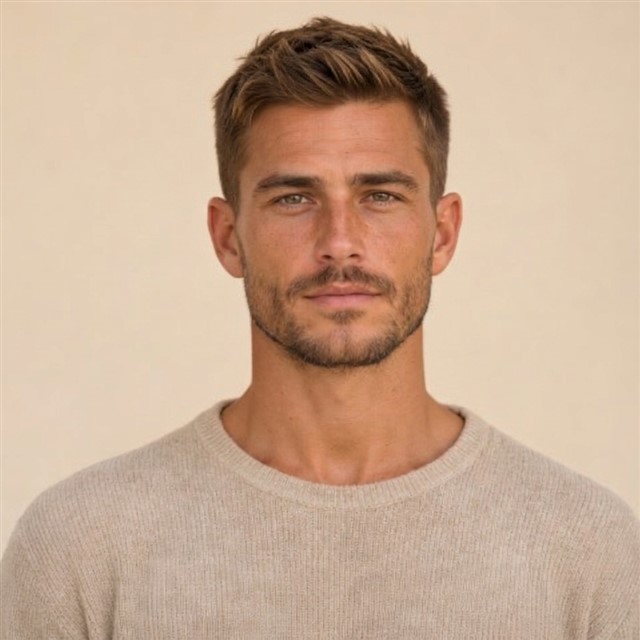




Upload a clear front-facing photo with room around your head, or explore the fixed samples first. Selecting a photo does not send it for AI editing.
Compare the length, fringe and outline of a preset. Keep your color to focus on the shape, or choose a different shade.
For configured live editing, confirm photo permission and third-party processing consent. Inspect the face and hair in the result, then save a download.
Open a reference for its front, side and back views, differences from nearby styles and questions to bring to your stylist.
 Editorial inspiration
 Editorial inspiration
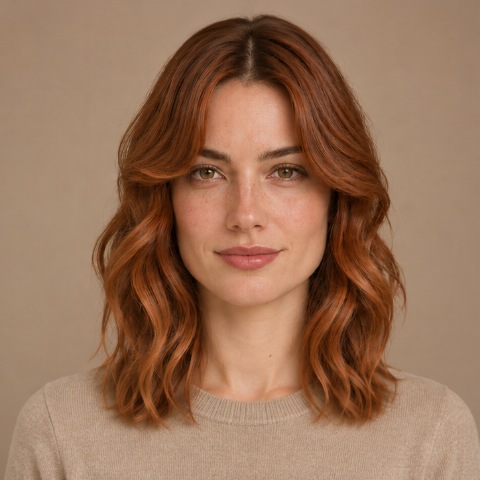 Editorial inspiration
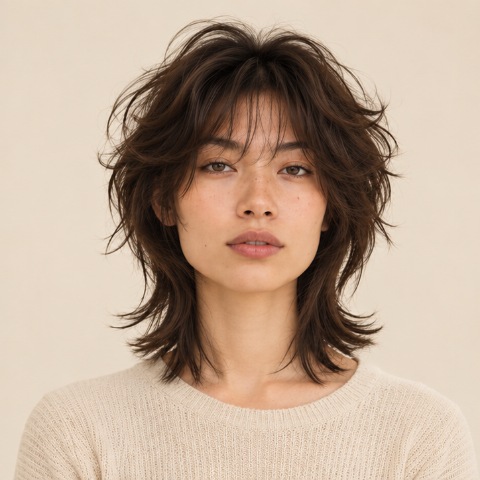 Editorial inspiration
 Editorial inspiration
 Editorial inspiration
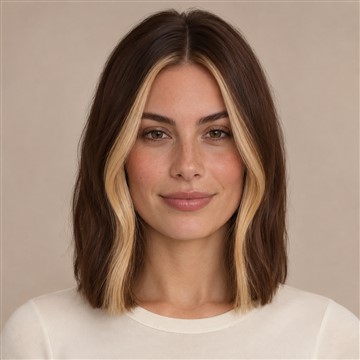 Editorial inspiration
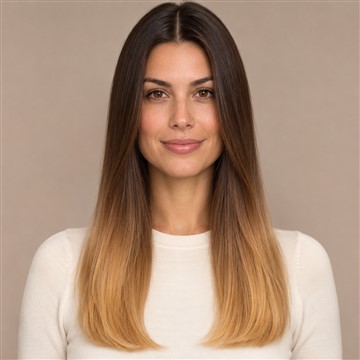 Editorial inspiration
Explore the samples first, use your available trial credits, or choose a one-time pack for live AI editing.
Free
1 trial credit in total
One trial in total. Signing in carries over an unused trial; it does not add another. Guest trials are subject to network limits.
Explore the studioUS$4.99
USD · before applicable tax
50 try-ons
One-time purchase. No subscription. Applicable tax is shown at checkout.
Choose your payment method
US$9.99
USD · before applicable tax
110 try-ons
One-time purchase. No subscription. Applicable tax is shown at checkout.
Choose your payment method
US$19.99
USD · before applicable tax
240 try-ons
One-time purchase. No subscription. Applicable tax is shown at checkout.
Choose your payment method
Checkout availability is confirmed by the studio. Sample comparisons are free.
One accepted live edit uses one credit. Sample previews use no credits. Downloads are available only for generated results. An explicitly failed generation task restores its credit; a lost connection or cancellation does not automatically restore it.
AI previews can alter facial details and cannot guarantee a salon result. Read the photo-handling and service terms before purchasing. Terms · Privacy & photos
Demo comparisons are free. Where live editing is available, there is one free live try-on in total. Signing in links an unused browser trial to your account and does not add another trial. Guest trials have network limits. Signed-in users can see available one-time credit packs in the studio; check the final checkout amount before paying.
The two fixed samples are independent of the selected preset and color. To request an edit of your own photo, live editing must be configured and you must confirm both permissions. Demo mode never substitutes a sample for an edited visitor photo.
No. AI can change facial details, hair texture, lighting or background, and a still image cannot predict how your hair will fall or grow. Use it as a reference and inspect the result before sharing it with a stylist.
When checkout is available, signed-in users can choose the configured PayPal or Waffo payment option. Credits are added only after a verified payment. Demo mode does not accept payments for photo editing.
No. It is a one-time credit purchase with no automatic renewal. Applicable tax and the final amount are shown on the payment provider’s checkout page before you pay.
An explicitly failed live-generation task restores its credit. A timeout or cancellation does not prove that processing stopped and does not automatically restore a credit. A restored credit is not a cash refund. For billing questions, use the merchant contact on your payment receipt.
Yes. Download an available result or comparison before clearing the photo session. Site results expire within 30 minutes; downloads stay on your device. Demo downloads are marked as illustrative samples.
Your selected photo is prepared in the browser. Live editing sends it to an external AI image-processing service after your permission. Site results are temporary and can be cleared; provider retention is separate. Read Privacy & photos before submitting.